Task High-Resolution and Hyperspectral Imagery
The Tasking Dashboard is a graphical user interface that streamlines order submission and management. The Tasking Dashboard also provides the ability to preview the image captures taken for orders.
The Tasking Dashboard is optimized for Desktop browsers only, currently supported by Chrome and Firefox.
Create Tasking Orders
Task high-resolution imagery.
Manage Tasking Orders
Manage your tasking orders.
Manage your Account
Account in the dropdown in the top left gives you access to your settings, workspaces, usage, billing, and users. For complete details, see Manage your Account.
The user icon in the top right corner provides access to your profile (My Profile & Settings) and sign-out option (Log Out).
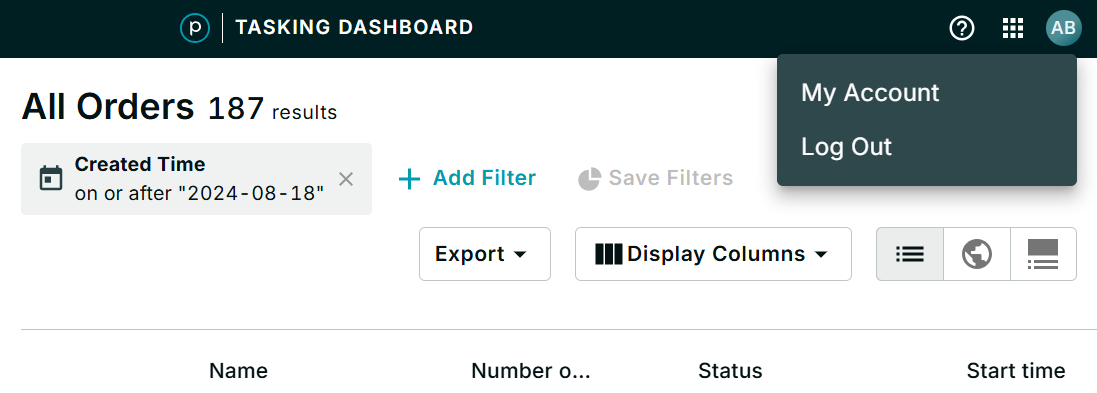
The Tasking Dashboard option in the dropdown in the top left opens the Tasking Dashboard, where you can create and manage tasking orders.
Tasking quota usage is available under Usage in Workspaces, accessible from Account.
The Usage reports do not include Data on orders from before November 17, 2022.
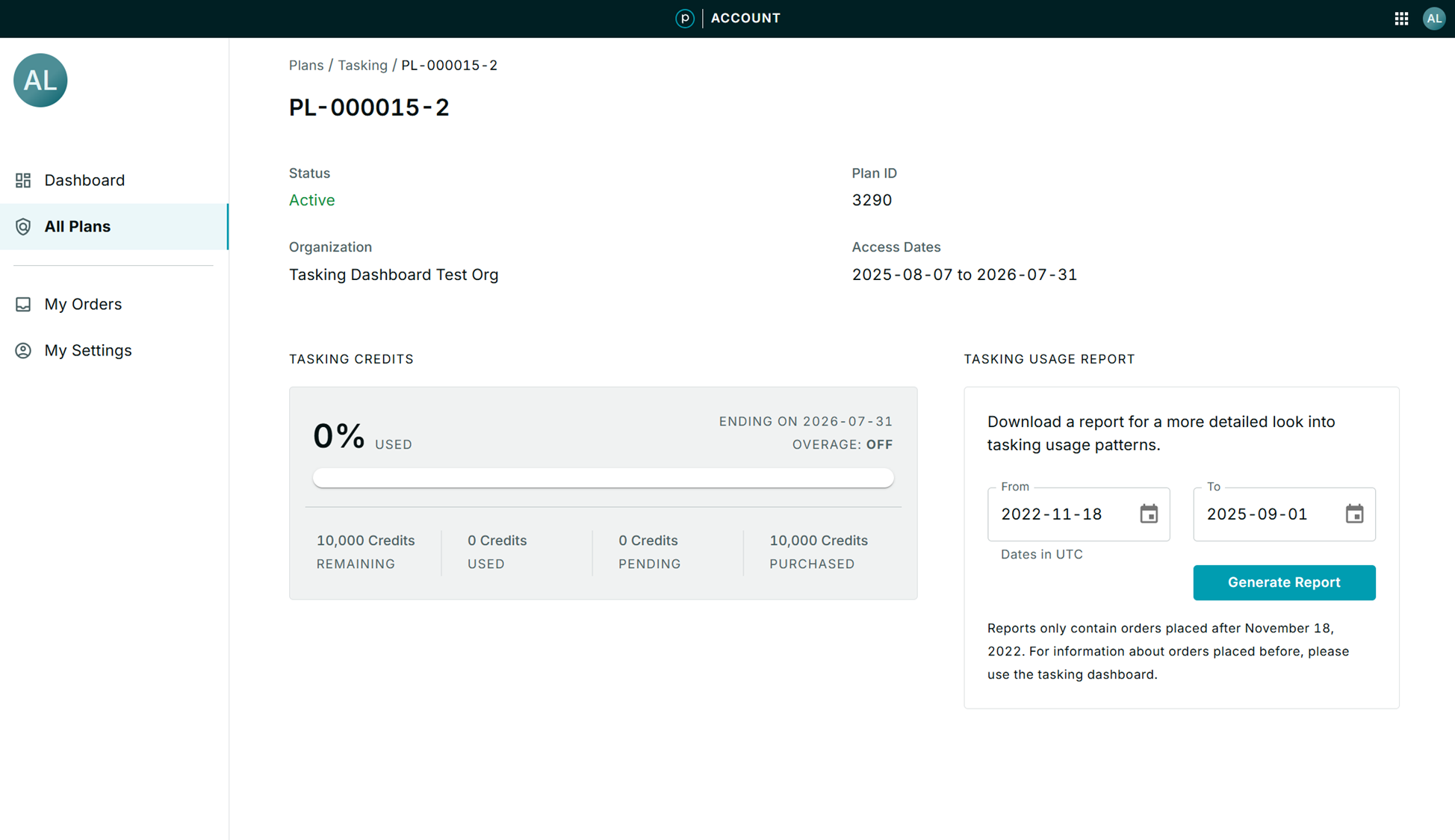
Quota Usage
There are several available methods to track estimated quota usage and availability:
- From the Planet Account Page, you can view the quota bars for tasking quota usage, and run Quota Usage reports. Manage Your Account provides complete details.
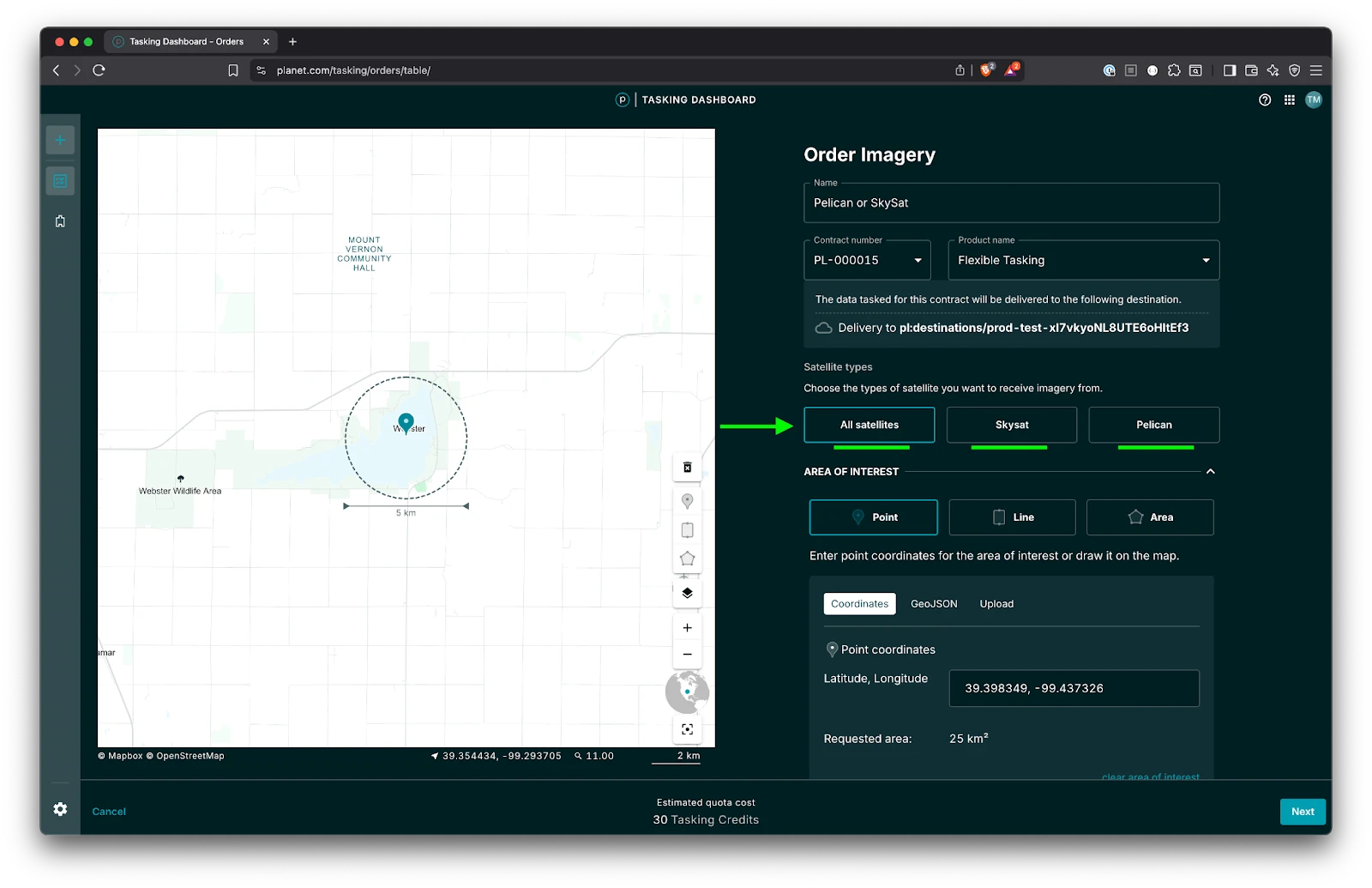
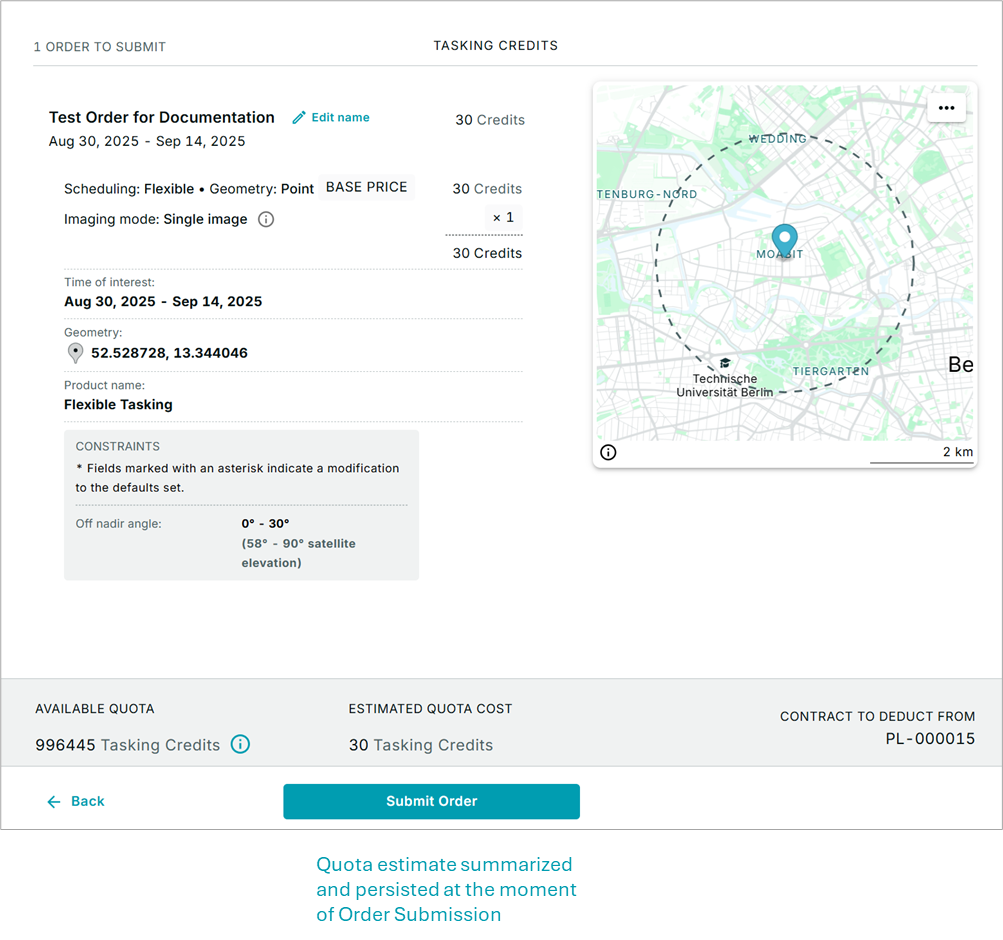
- As you enter a tasking order, a quota preview displays the estimated quota in sq km or tasking credits directly in the Tasking Dashboard Order Summary. Quota estimates are dynamically updated as you input and adjust requirements.
Tasking Deeplinks
You can open the order creation window directly with the following URL:
https://www.planet.com/tasking/orders/new
You can prepopulate order fields in the order creation form by providing additional query parameters after the order entry URL. For example:
https://www.planet.com/tasking/orders/new/?name=order-name&geometry=POINT(13.2275 52.5897)
To access Deeplink, always start from the order entry /orders/new and then append the query parameters.
https://www.planet.com/tasking/orders/new/?name=TestOrder&plNumber=PL-Example&product=One Time Tasking&geometry=POINT(13.2275 52.5897)
Supported Parameters
Use the following parameters in the Deeplink URL.
All fields are optional. However, product-specific fields require a valid plNumber.
Fields without dependencies.
| Field | Value |
|---|---|
| name | Maximum 80 characters |
| geometry | Geometry in WKT format |
| plNumber | Valid plNumber |
Fields that depend on a plNumber
| Field | Value |
|---|---|
| product | Product name which belongs to given plNumber |
| startTime | Date in YYYYMMDD or YYYY-MM-DD format. For example, 2020-06-30 |
| endTime | Date in YYYYMMDD or YYYY-MM-DD format and must be later than startTime |
| orderType | Specific order type that is allowed for chosen product |
| nStereoPov | Number of stereo collects for orderType STEREO only |
| satElevationAngleMax | Satellite elevation angle max value |
| satElevationAngleMin | Satellite elevation angle min value |
For example:
https://www.planet.com/tasking/orders/new/?name=SFO order&plNumber=PL-Impact&product=One Time Tasking&orderType=IMAGE&geometry=POINT(-122.38627 37.616862)
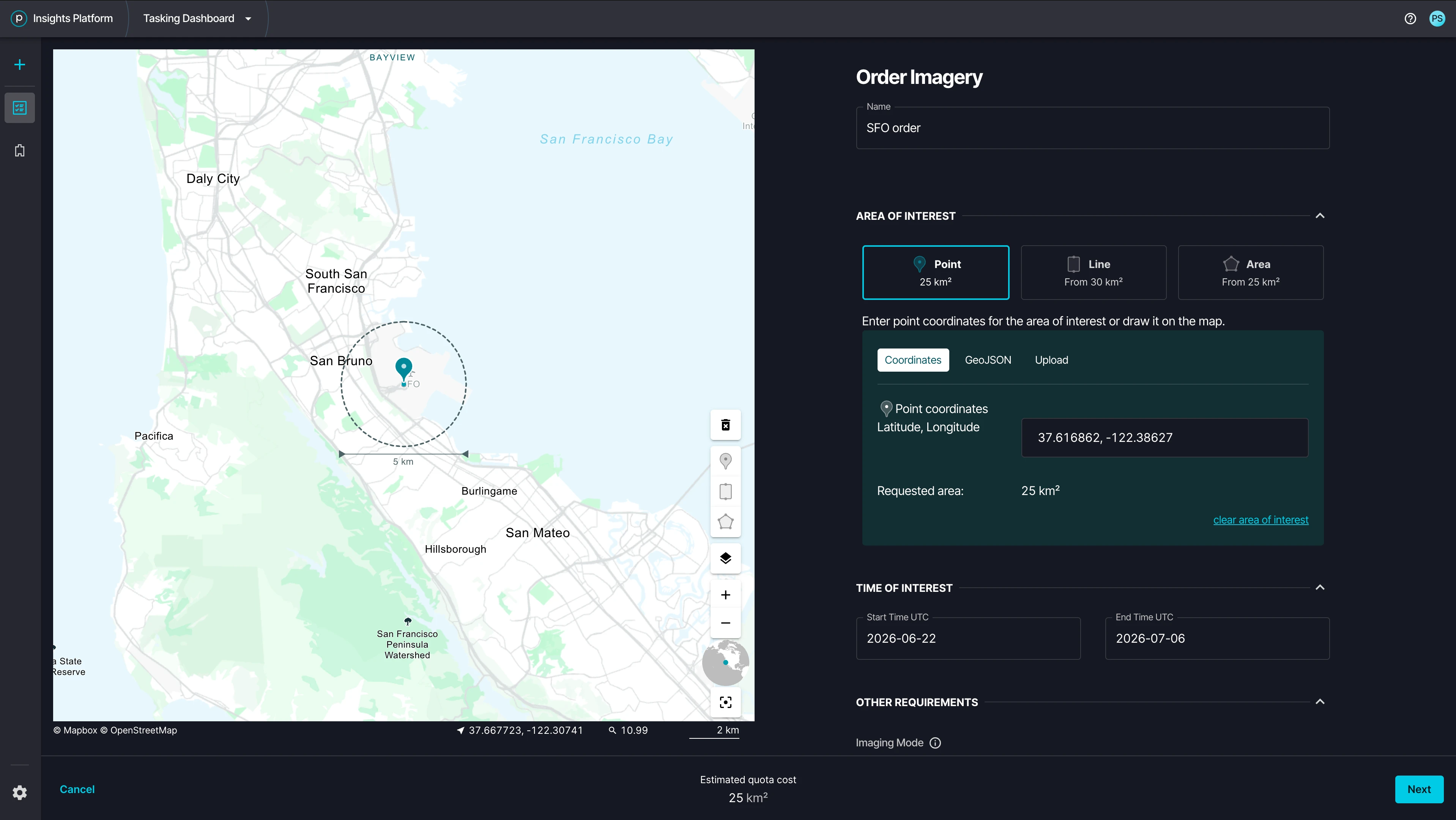
Example with all supported parameters:
https://www.planet.com/tasking/orders/new/?name=mock_order&plNumber=PL-TEST&product=Basemap&orderType=IMAGE&geometry=POINT (-98.934519 19.724712&satElevationAngleMax=90&satElevationAngleMin=60